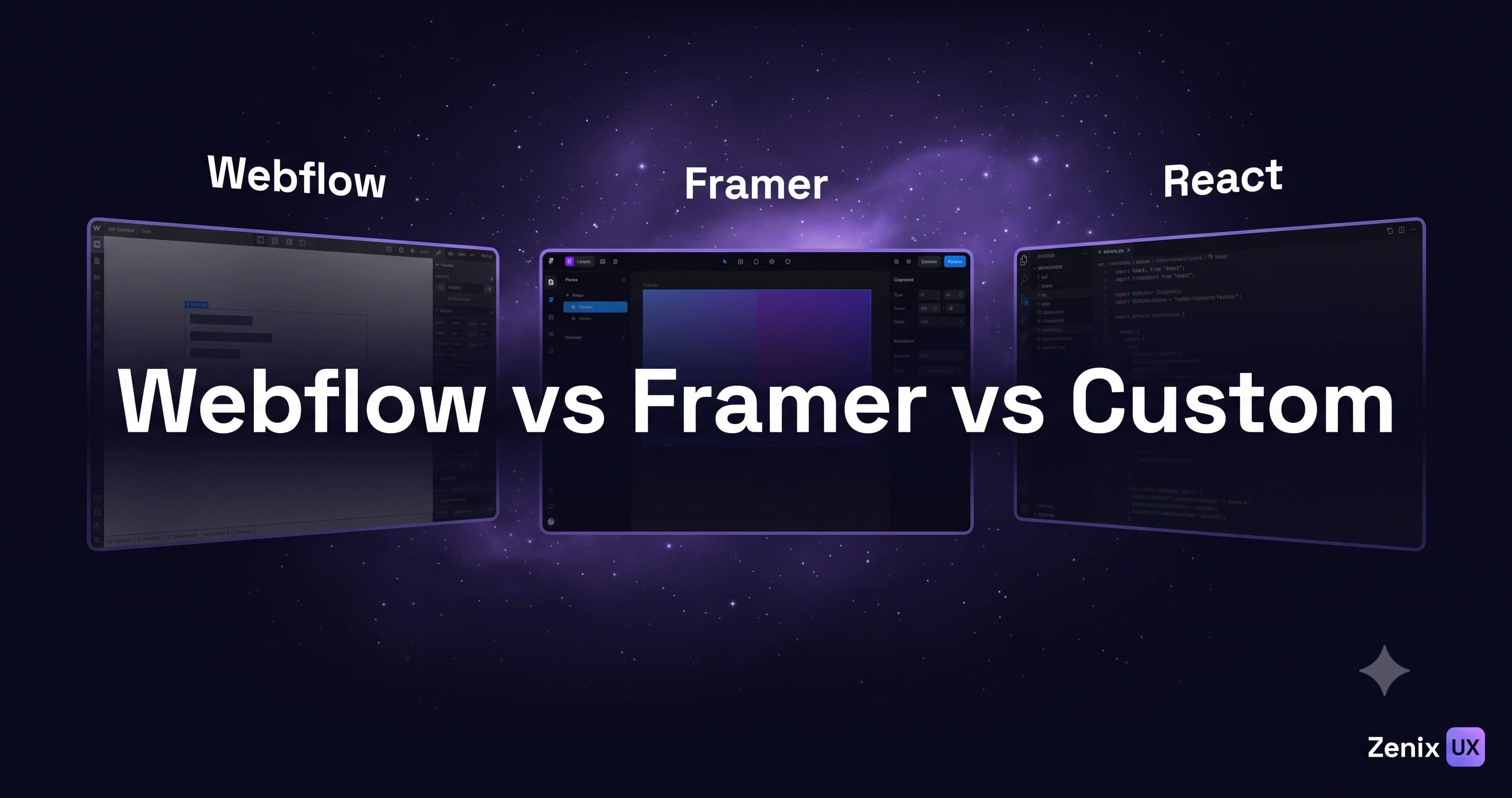
Webflow vs Framer vs Custom Development: Which Should You Choose?
By Zenix UX · October 6, 2026 · 8 min read
This question comes up on nearly every new website project, usually somewhere around the second call, once a client has heard all three names thrown around and isn't sure which applies to them. There's no universally correct answer — but there is a correct answer for your specific project, and it usually becomes clear once you know what each platform is actually good at.
Webflow: Best for Marketing Sites With CMS Needs
Webflow's strength is genuinely editable content — a client's marketing team can update blog posts, case studies, or a portfolio grid without touching code or waiting on a developer. It handles responsive design visually and cleanly, and its CMS is mature enough for real content operations, not just a handful of static pages. The tradeoff is that highly custom, application-like behavior gets harder to build the further you push past its native patterns.
Framer: Best for Interactive, Animation-Heavy Pages
Framer shines when a site's main job is to feel alive — spring-based animations, scroll-driven storytelling, and a level of interaction polish that would take real engineering time to hand-code come close to free. It's a strong fit for landing pages and marketing sites where motion is central to the pitch, less suited to sites that need deep, structured content management.
Custom Development: Best for Web Apps and Complex Products
Once a project needs genuine application logic — user accounts, real-time data, complex state, integrations with your own backend — no-code platforms start fighting you rather than helping. Custom development with a framework like Next.js gives full control and the best performance ceiling, at the cost of needing an actual engineering team rather than a single designer-builder. Parallel Universe's fully custom, video-driven scroll experience is a case where no-code tooling simply couldn't produce the required interaction fidelity.
Comparison: Speed, Cost, Flexibility, Maintenance, SEO
- Speed to launch — Framer and Webflow are typically fastest; custom development takes longer but scales further.
- Upfront cost — no-code platforms generally cost less to build; custom development costs more but avoids platform-specific constraints later.
- Flexibility — custom development wins decisively once requirements go beyond what either no-code platform was designed for.
- Ongoing maintenance — Webflow and Framer handle hosting and most technical maintenance; custom sites need someone managing deployment and dependencies.
- SEO — all three can perform well; Next.js custom builds have the highest technical ceiling for performance-driven SEO at scale.
When to Use Each, With Real Examples
A restrained, content-light product showcase like Aerodynamics was a natural fit for Webflow — clean CMS structure, fast launch, no need for custom application logic. A fully bespoke, scroll-driven art experience needed custom development from the start because no template-based platform could deliver that level of interaction design.
Can You Switch Later? Migration Considerations
Migrating from Webflow or Framer to custom code later is possible but not free — content structure, URLs, and SEO equity all need careful handling in the move. It's worth choosing with a rough sense of your two-year trajectory in mind, not just what's fastest to launch this quarter.
Our Recommendation
If you need a marketing site your team can maintain, start with Webflow. If motion and interaction are the whole point of the page, consider Framer. If you're building a product, not a brochure, go custom from day one — retrofitting application logic onto a no-code platform later is almost always more expensive than starting there. Unsure which applies to you? Get in touch and we'll recommend a platform based on your actual requirements.
Related projects
See it in practice
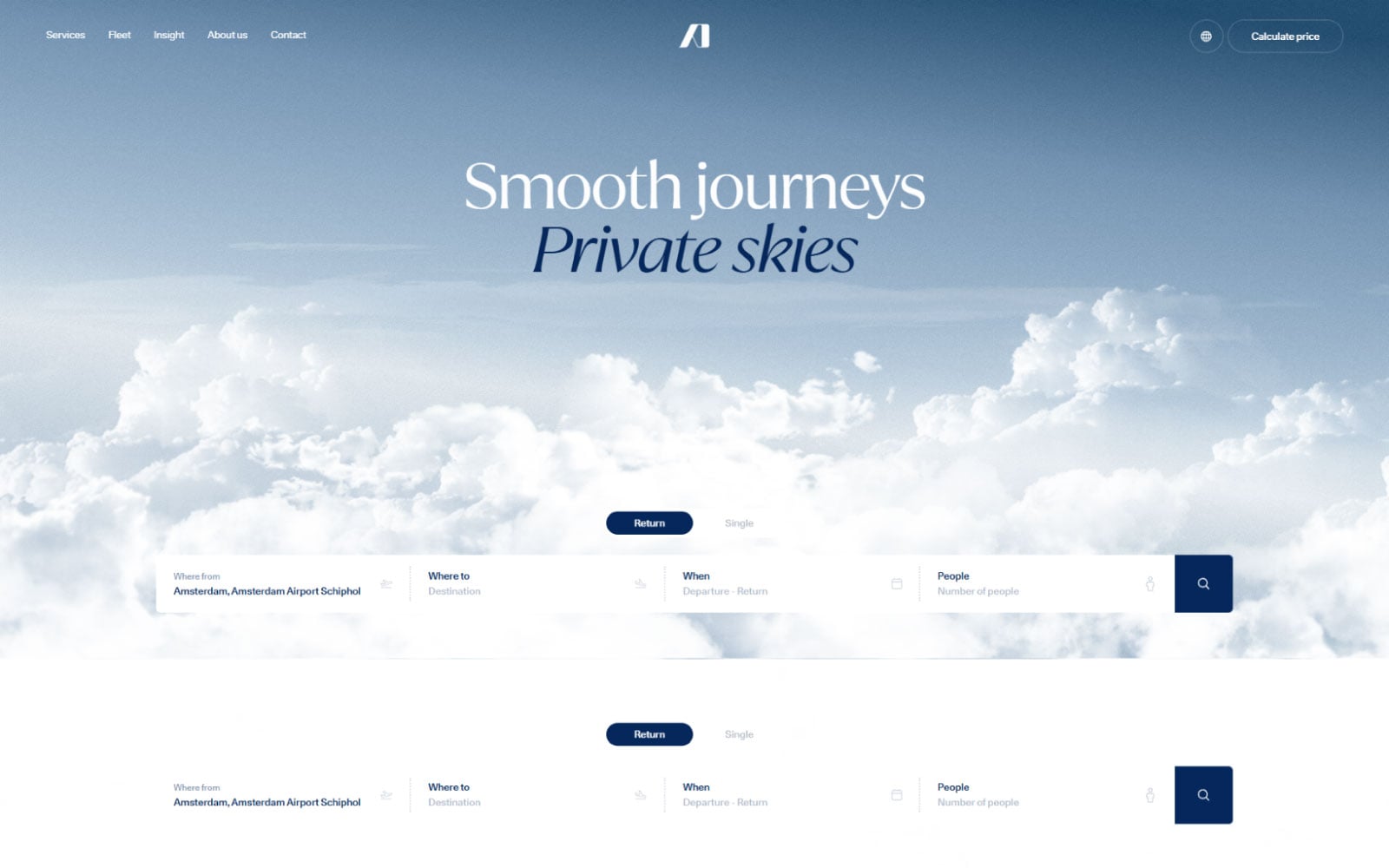
Consumer Tech · Web Development
Aerodynamics
A premium product showcase website for a Dutch design and engineering firm — clean, minimal, and built to let the products speak for themselves.
View case study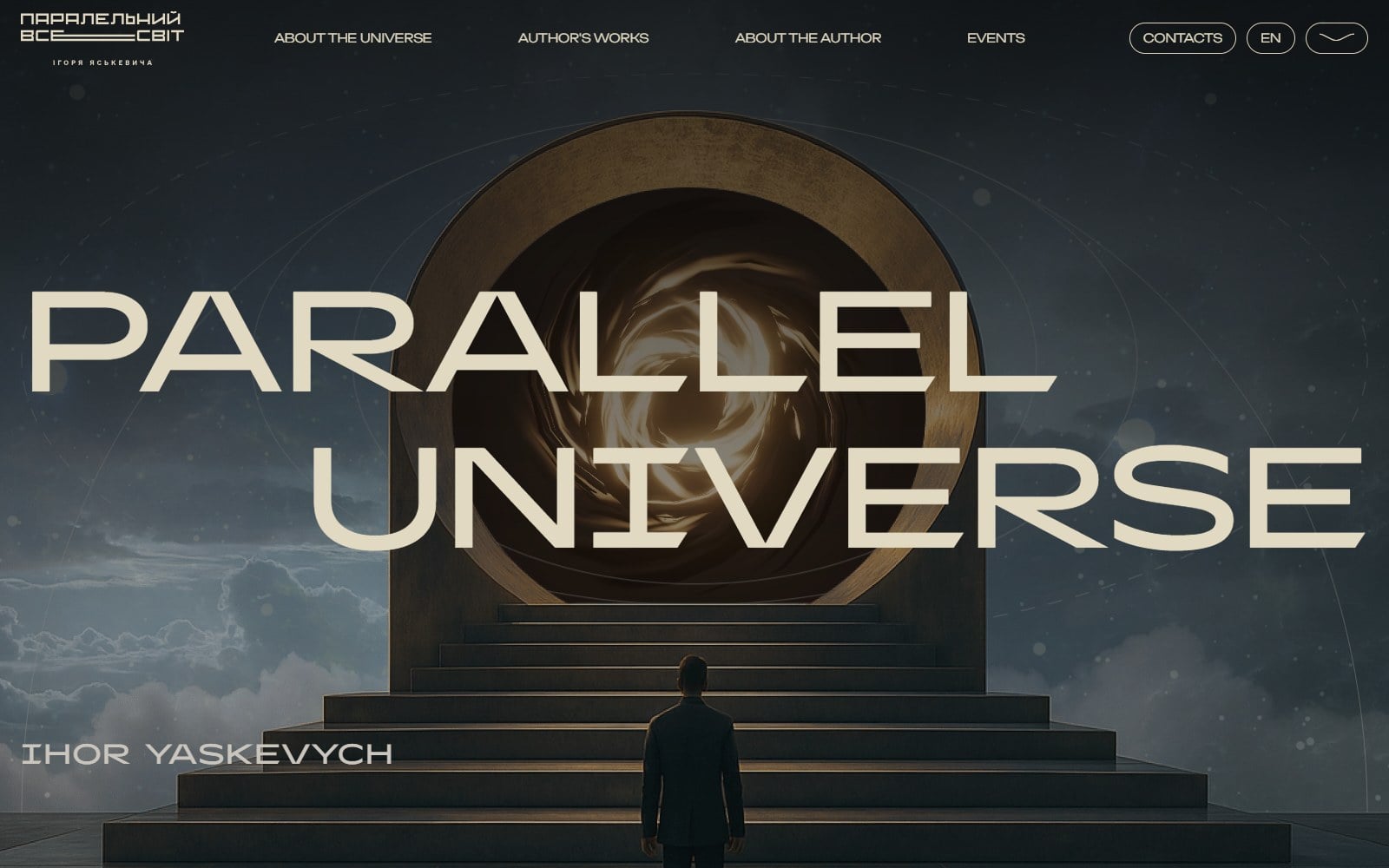
Art & Culture · Web Development
Parallel Universe — Art Gallery
An immersive, cinematic website for a Ukrainian steampunk sculpture art project — with video backgrounds, portal animations, and a deeply atmospheric scroll experience.
View case studyNeed help with choosing the right platform for your website?
Start a projectRelated posts
Keep reading
How Much Does Website Design Cost in 2026? Honest Pricing Breakdown
From landing pages to full platforms — here's what website design actually costs, what affects the price, and how to budget smartly.
What Makes Great iGaming UI Design? A Complete Guide for Operators
The difference between a casino players love and one they abandon in 30 seconds comes down to interface design. Here's what separates the best from the rest.

Trading Dashboard Design: 15 Best Practices for 2026
Data-dense doesn't have to mean overwhelming. Here's how to design trading dashboards that make complex financial data feel simple and actionable.