
The Best UI/UX Design Tools in 2026: What We Actually Use
By Zenix UX · August 25, 2026 · 8 min read
We get asked about our toolkit almost as often as we get asked about pricing, usually from founders and in-house designers trying to figure out what to actually invest time learning. Here's what's genuinely in daily rotation at Zenix UX, and the reasoning behind each one — not a sponsored list, just what we reach for and why.
Figma: Still the King of Collaborative Design
Every UI/UX engagement we run starts and mostly lives in Figma. Real-time multiplayer editing, component libraries that scale from a single button to a full design system, and prototyping fidelity good enough for real usability testing — nothing else has displaced it as the default. If you only invest in one tool, this is still it.
Framer: Design and Live Site in One Tool
Framer earns its place when a project is motion-heavy and needs to go from design to a genuinely interactive, publishable site fast — spring-based animations that would take real engineering effort to hand-code come nearly free. It's our default recommendation for marketing sites and landing pages where interaction quality matters more than deep CMS complexity.
Webflow: The No-Code Powerhouse for Marketing Sites
When a client needs a CMS-powered site they can genuinely edit themselves after launch — blog, portfolio, case studies — Webflow is usually the right call. We built Aerodynamics and TecnoArreda on Webflow specifically because both needed clean, editable content structures without requiring a developer for every future update.
Adobe Illustrator: For Logo and Brand Work
Vector precision for logo work still belongs in Illustrator rather than Figma — path editing, boolean operations, and print-ready export are simply more mature there. Any brand identity engagement that includes a logo mark runs through Illustrator at some point in the process.
Principle and ProtoPie: Advanced Interaction Prototyping
For interactions too complex for Figma's native prototyping — conditional logic, sensor input, multi-state transitions — these tools fill the gap. We reach for them selectively, usually on mobile app engagements where a specific gesture or transition needs to be validated before it's worth the engineering time.
Lottie: Production-Ready Animation
Lottie lets us hand off vector animations that render crisply at any size with a tiny file footprint, instead of exporting bulky video files or asking developers to hand-code complex motion. It's become the standard bridge between "the animation we designed" and "the animation that actually ships."
Notion: For Design Documentation
Not a design tool in the traditional sense, but it's where design rationale, research notes, and decision logs live so a project doesn't lose its "why" six months after launch when someone needs to extend it.
How These Fit Together
The honest answer to "what's the best tool" is that it depends entirely on what you're building — a Figma-only workflow is wrong for a Webflow CMS site, and a Framer-first approach is wrong for a deeply custom web application. We pick the stack per project rather than forcing every client into the same pipeline.
If you're not sure which approach fits your project, that's exactly the kind of question worth a quick call — get in touch and we'll recommend a stack based on what you're actually building, not what we'd prefer to use.
Related projects
See it in practice
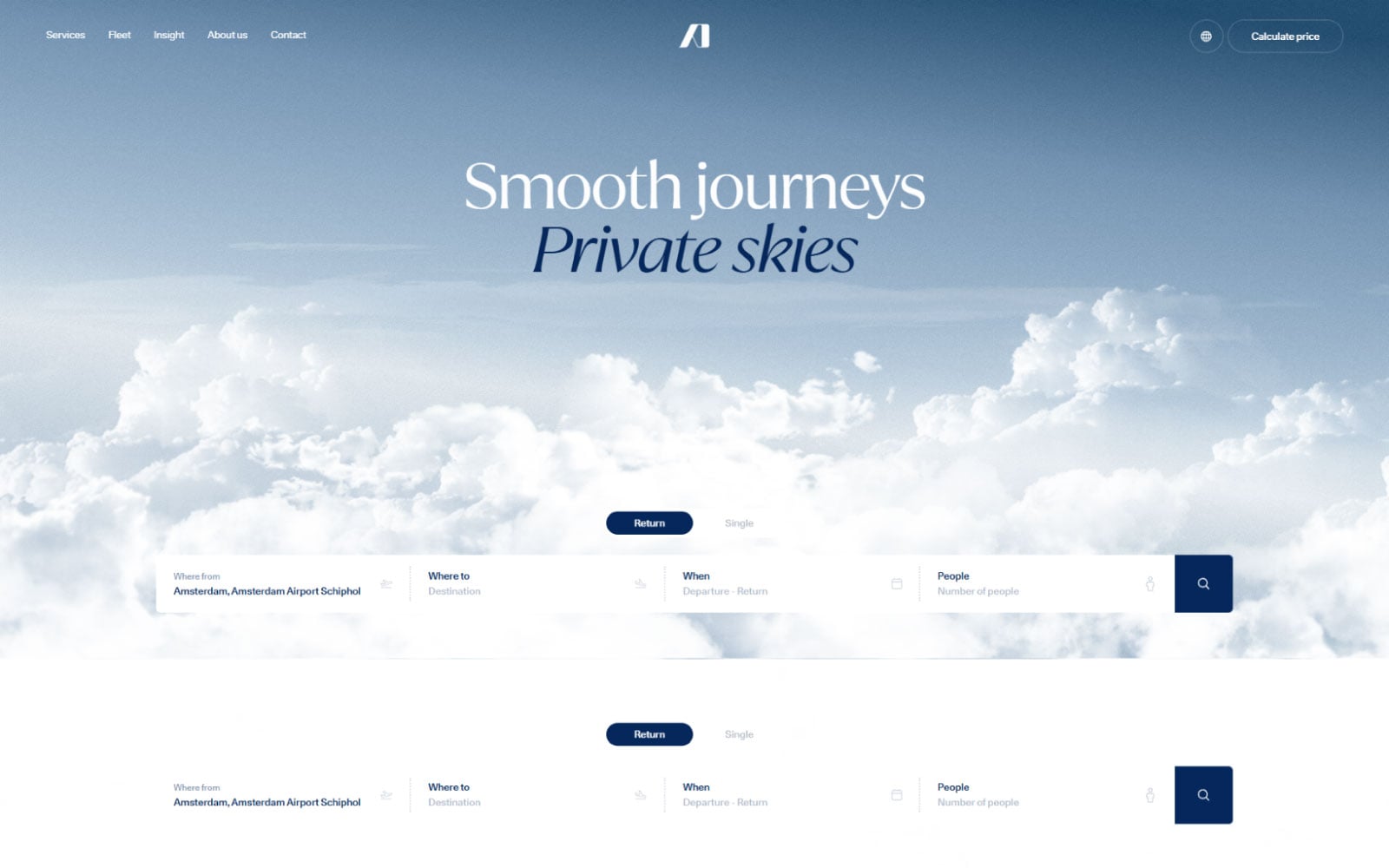
Consumer Tech · Web Development
Aerodynamics
A premium product showcase website for a Dutch design and engineering firm — clean, minimal, and built to let the products speak for themselves.
View case study
Interior Design · Web Development
TecnoArreda — Italian Furniture
An elegant, image-rich website for TecnoArreda, an Italian furniture and interior design company — showcasing premium products with Mediterranean warmth and craftsmanship.
View case studyNeed help with your next design or build project?
Start a projectRelated posts
Keep reading

The UI/UX Design Process Explained: From Research to Launch
What actually happens when you hire a design agency? Here's our 4-phase process, demystified — so you know exactly what to expect.
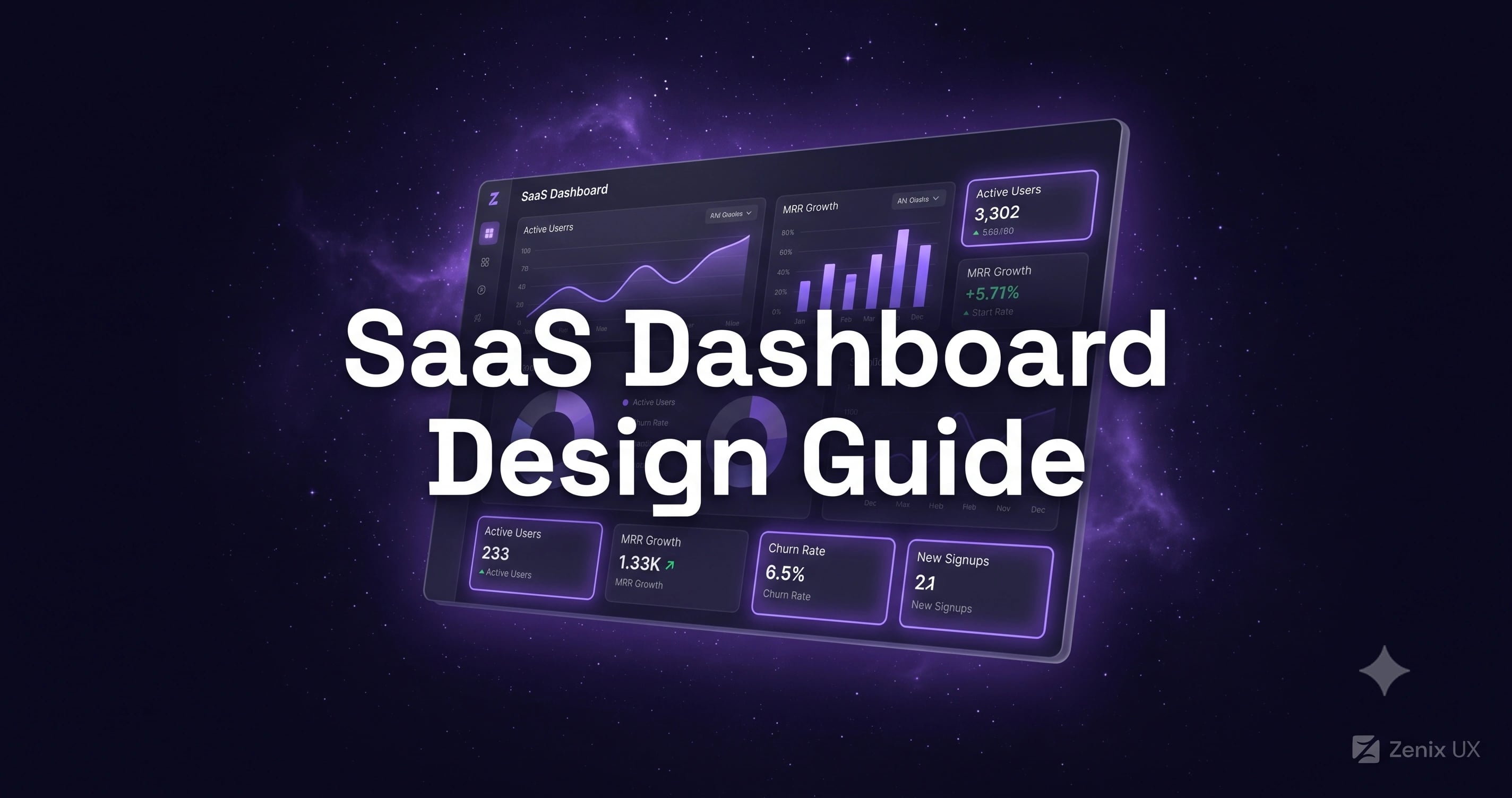
SaaS Dashboard Design: How to Reduce Churn Through Better UX
Your SaaS dashboard is where retention is won or lost. Here's how to design dashboards that keep users coming back.

Mobile App Design Cost in 2026: What You'll Actually Pay
Planning a mobile app? Here's what design costs from $2,800 to $31,900+ depending on complexity — with real numbers, not vague ranges.